Creating a comfortable and productive home office space is essential for anyone working remotely or spending significant time on personal projects at home. A well-designed workspace not only improves focus but also promotes better posture and reduces stress. Whether you have a dedicated room or a small corner, these tips will help you create an environment that supports your best work.
Choose the Right Location
When setting up a home office, the first step is selecting the best spot in your home. Ideally, pick a quiet area away from heavy foot traffic and distractions. If possible, choose a room with a door to separate work and home life. Natural light is a big plus, so try to position your desk near a window.
If space is limited, a corner of a room or a nook can work well. The important thing is that the area feels distinct from your relaxation spaces so your brain can associate it with work.
Invest in Ergonomic Furniture
Comfort is key for long hours spent at a desk. Invest in an ergonomic chair that provides good lumbar support and allows your feet to rest flat on the floor. Your desk should be at a height that lets your arms rest comfortably with elbows close to your body.
Consider using a sit-stand desk or a desk converter. Changing positions throughout the day can reduce strain and increase energy levels. A supportive keyboard and mouse setup can also prevent wrist pain.
Organize and Declutter
A tidy workspace helps reduce distractions and improve focus. Use shelves, drawers, or organizers to keep your desk clear of clutter. Having designated places for supplies, files, and tech accessories will save you time and stress.
Try to limit what’s on your desk to essential items only. Keep frequently used tools within arm’s reach and store seldom-used items out of sight.
Optimize Lighting
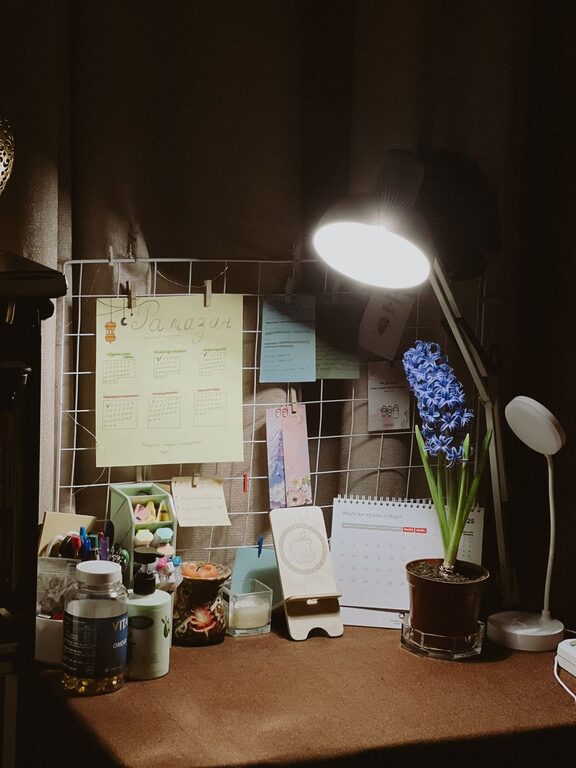
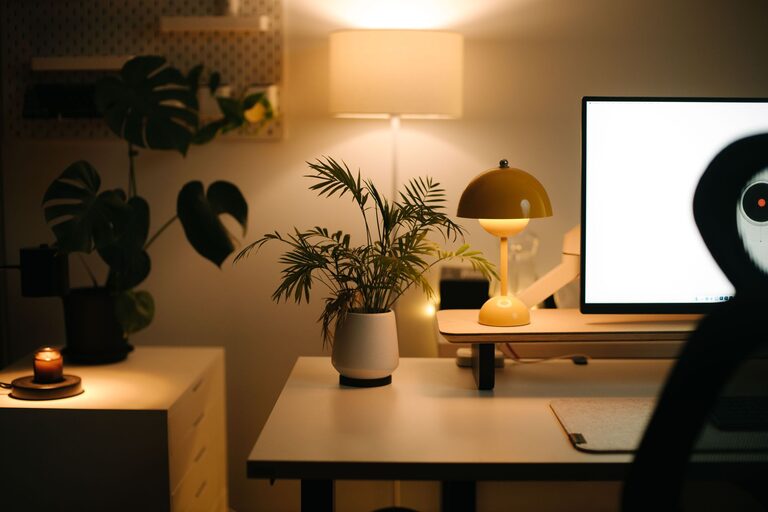
Good lighting reduces eye strain and creates a pleasant atmosphere. Natural light is best, so position your desk to take advantage of windows. When natural light isn’t sufficient, use a desk lamp with adjustable brightness and color temperature.
Avoid glare on your computer screen by positioning lights and monitors carefully. Soft, warm lighting can help reduce fatigue during long working hours.
Personalize Your Space
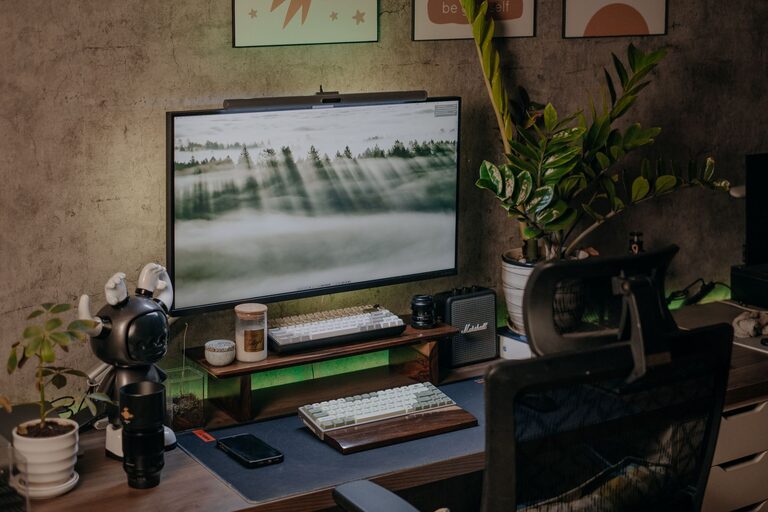
Adding personal touches to your workspace can make it more inviting and motivating. Consider incorporating artwork, plants, or photos that inspire you. Plants not only add color but also improve air quality and create a calming environment.
Choose colors and decor that make you feel comfortable, but avoid too many distractions. Balance is key.
Manage Noise Levels
Noise can be a major distraction. If you’re in a noisy household or area, consider soundproofing options such as rugs, curtains, or acoustic panels. Noise-canceling headphones can also be helpful to maintain focus.
Alternatively, some people find background sounds like white noise, soft music, or nature sounds beneficial for concentration.
Set Boundaries and Routines
To maintain productivity, set clear boundaries between work and home life. Define your work hours and communicate them to family or housemates. Avoid working in spaces where you usually relax or sleep.
Establishing a morning routine can help signal the start of your workday. Take short breaks throughout the day to move around and rest your eyes. Ending your workday with a routine can also help you mentally switch off.
Ensure Good Technology Setup
Reliable technology is essential. Invest in a fast internet connection and keep your devices updated. Use a monitor of adequate size to reduce eye strain, and ensure your keyboard and mouse are comfortable.
Cable management can help keep your tech area neat and safe from accidental unplugging or damage.
Incorporate Storage Solutions
Adequate storage prevents your office from becoming cluttered. Use filing cabinets, baskets, or boxes for documents and office supplies. Labeling storage containers can save time when searching for items.
Vertical storage options like wall-mounted shelves can free up floor space in smaller rooms.
Maintain Proper Air Quality and Temperature
A well-ventilated, comfortably warm or cool workspace supports concentration and comfort. Open windows for fresh air when possible. A small fan or heater can help regulate temperature.
If you have allergies or sensitivities, consider an air purifier to improve air quality.
—
By prioritizing comfort and functionality in your home office setup, you’ll create a space that supports productivity and well-being. Make gradual adjustments until your workspace feels inviting and efficient—a place where you can do your best work every day.